Vela Rewards
Developer Console
Authentication
Login to the Developer Console using your Google or GitHub account.
Login
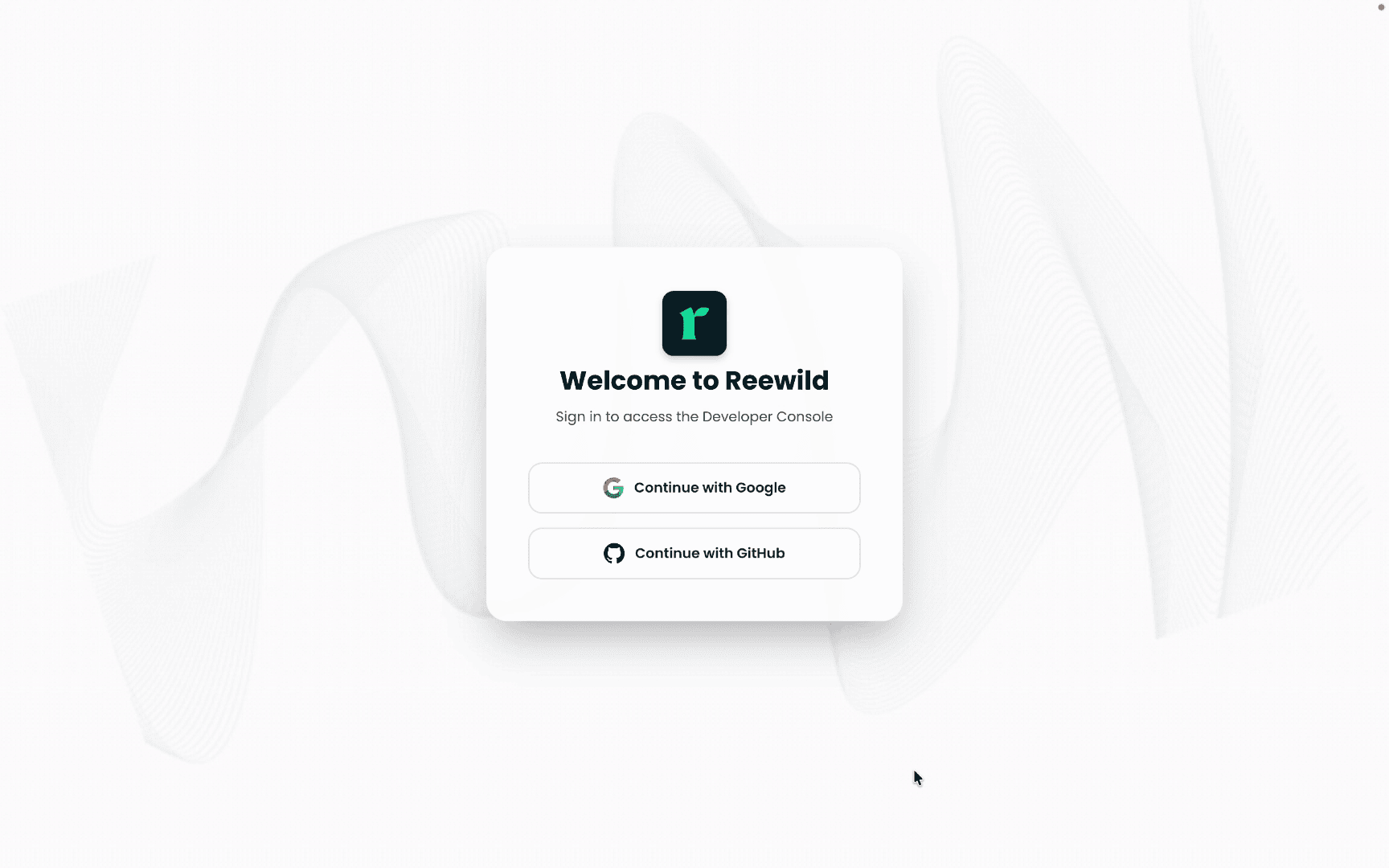
Visit the Developer Console and click Continue button to login.
Authentication Methods
Choose your preferred sign-in method:
- Google — Sign in with your Google account
- GitHub — Sign in with your GitHub account
Both methods provide secure OAuth-based authentication.
First-Time Setup
When signing in for the first time, you'll complete a two-step setup process.
Step 1: Create Developer Account
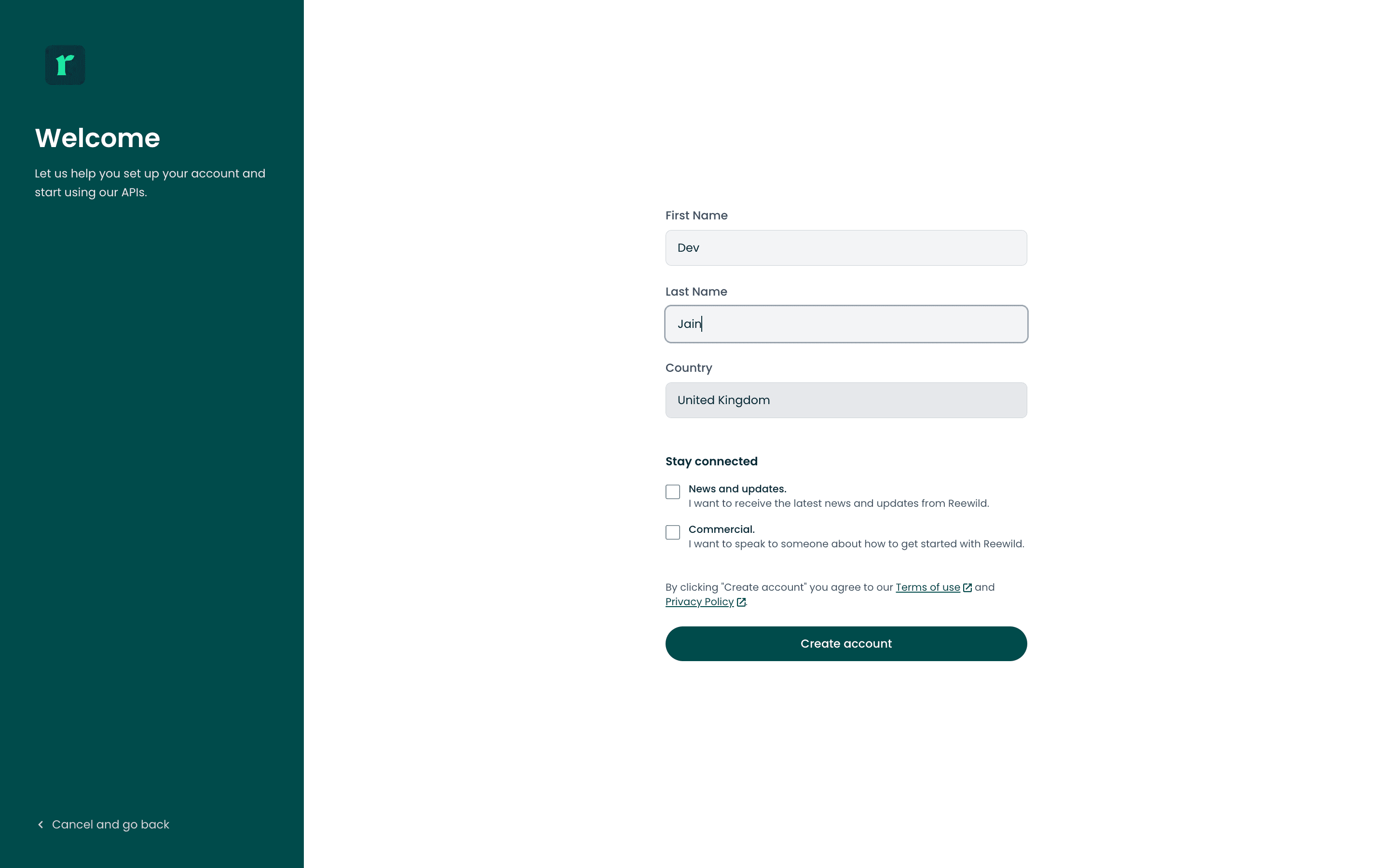
Enter your developer details:
| Field | Description |
|---|---|
| First Name | Your first name |
| Last Name | Your last name |
| Country | Your country |
You can also opt in to:
- News and updates — Receive the latest news and updates from Vela
- Commercial — Speak to someone about how to get started with Vela
By clicking Create account, you agree to the Terms of use and Privacy Policy.
Step 2: Create Organization
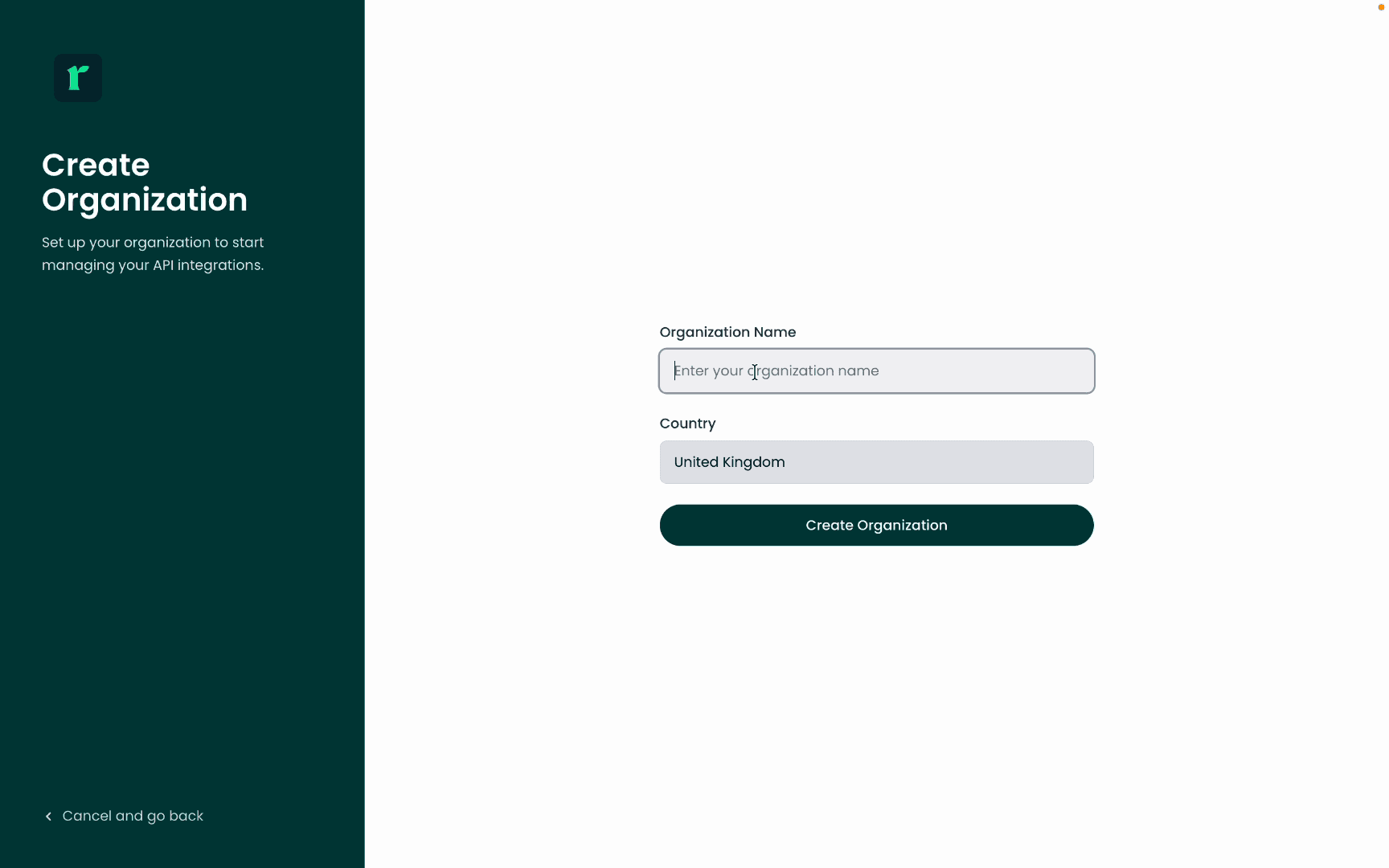
Enter your organization details:
| Field | Description |
|---|---|
| Organization Name | Your company or team name |
| Country | Organization's country |
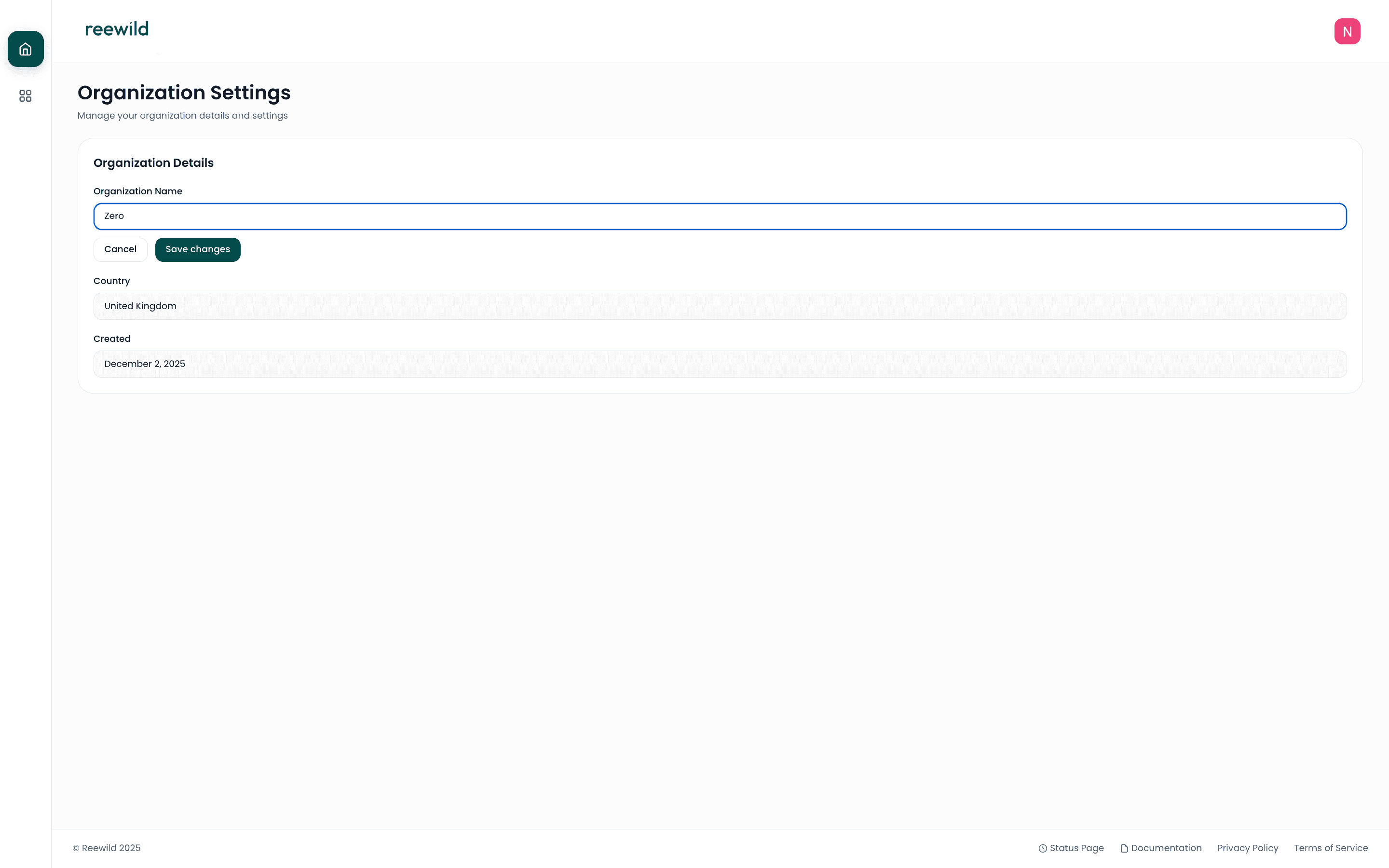
You can edit these details later from the console settings.
Managing Your Organization
Edit Organization Name
To update your organization name:
- Navigate to Settings in the console
- Click Edit Organization
- Enter the new name and save