 Vela Rewards
Developer Console
Developer Console Overview
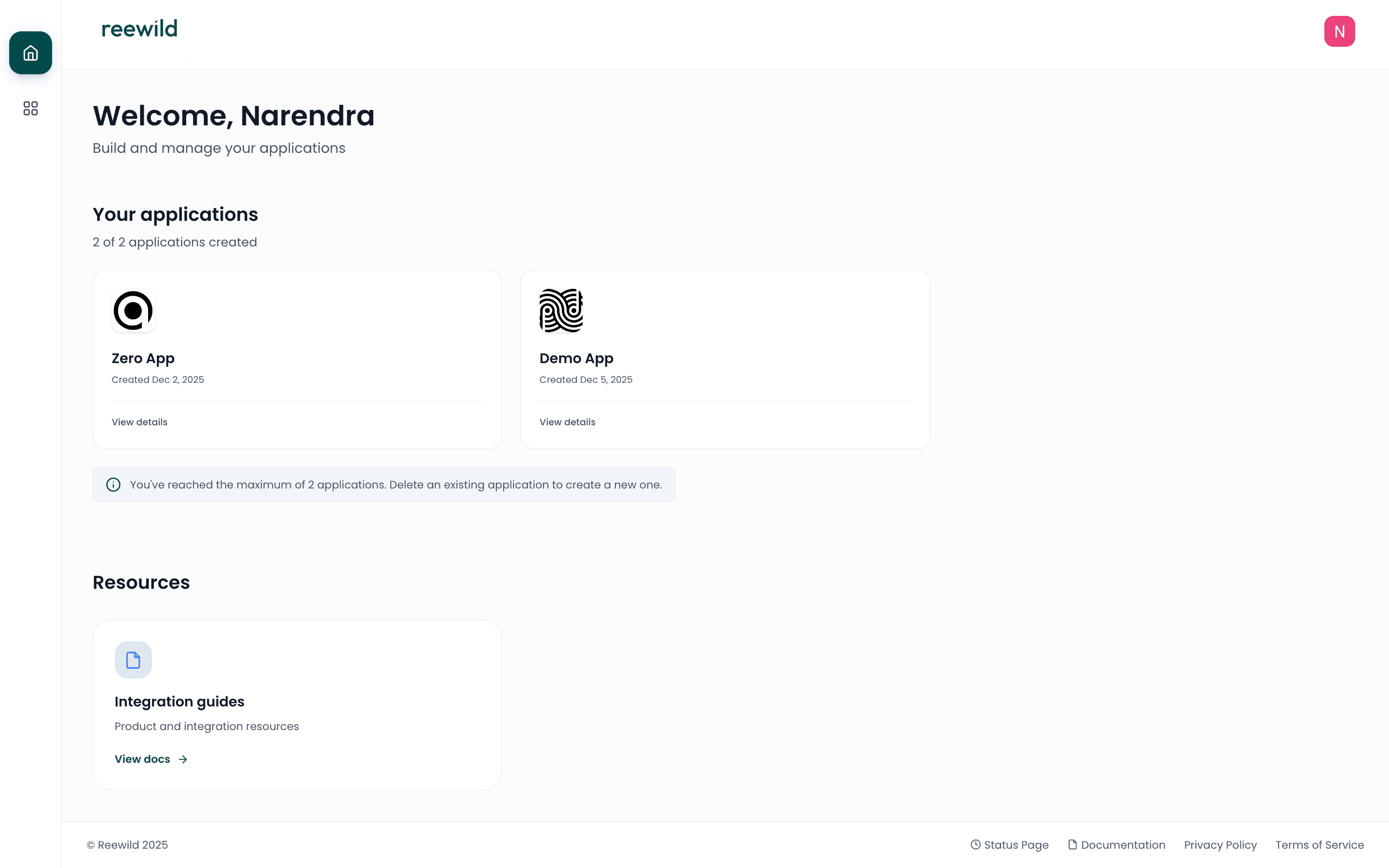
The Vela Developer Console is the central hub for partner developers to create integrations, manage applications, and monitor API activity.
What is the Developer Console?
The Developer Console enables partner brands to:
- Create applications for Sandbox and Production environments
- Manage API credentials (Client ID, Client Secret, Webhook Signing Secret)
- Configure webhooks to receive event notifications
- Monitor activity through logs and analytics dashboards
- Test integrations in Sandbox before going live
Key Features
Applications
Create and manage applications that connect to Vela APIs. Each application has credentials for authentication.
Webhooks
Configure webhook URLs to receive notifications when events occur. Verify webhook authenticity using your Webhook Signing Secret.
Logs & Analytics
Monitor webhook deliveries with detailed logs. View aggregated metrics including success rates, failure counts, and response times.
Hosted Pages
Use Vela's pre-built UI for user enrollment and receipt upload—redirect users to hosted pages without building custom frontend.
Environments
The Developer Console supports two environments:
| Environment | Purpose |
|---|---|
| Sandbox | Testing and development |
| Production | Live user data |
Getting Started
- Authenticate with your Google or GitHub account
- Create an application with your webhook and redirect URLs
- Save your credentials securely
- Integrate hosted pages for user enrollment and receipt upload
- Monitor activity through logs and analytics